
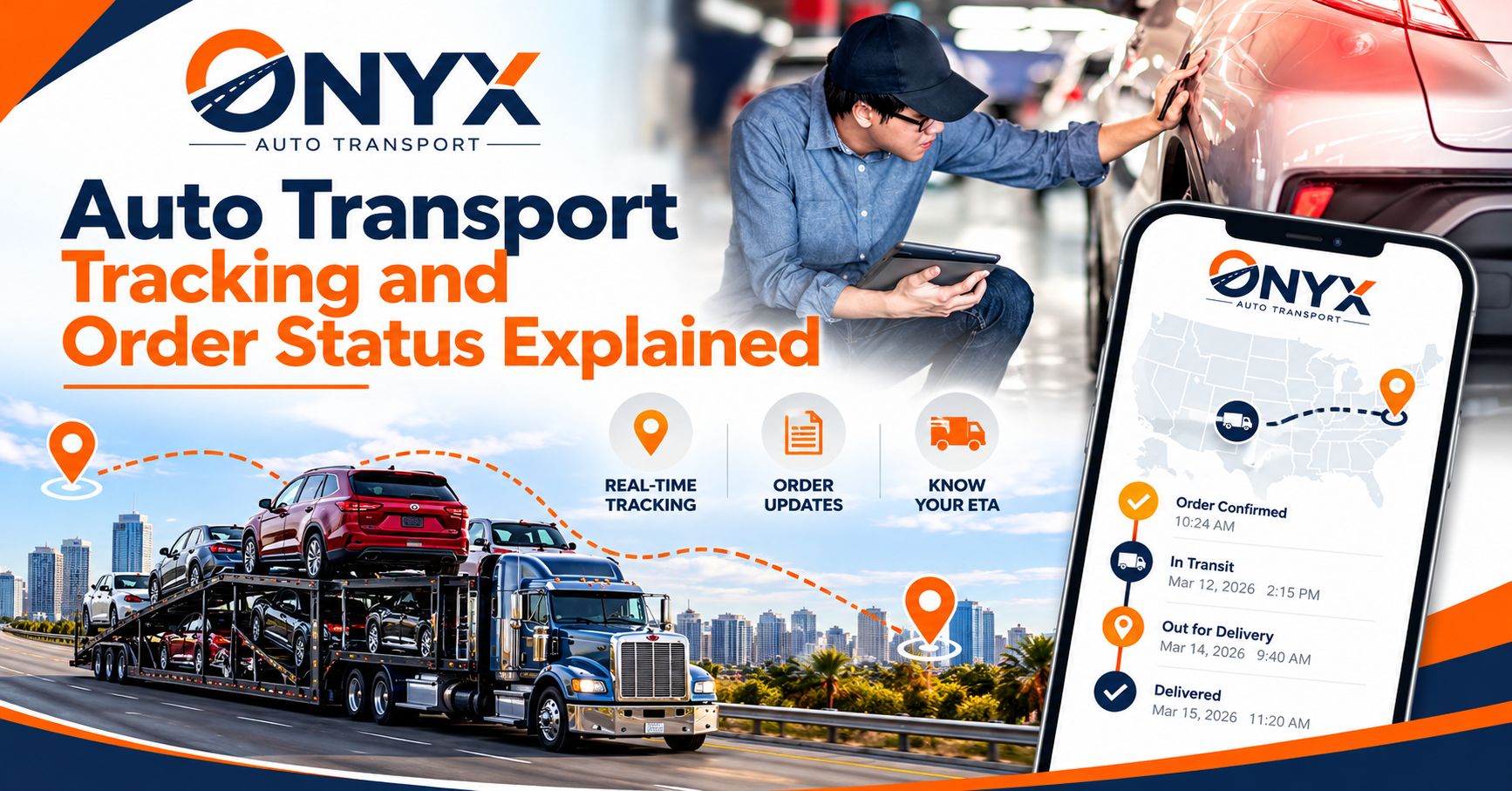

Its scary to give someone your car keys and watch them drive off with a truck. You just handed over something you drive every day and it’s going to be somewhere far away. At least when you track it you can know where it is and what its doing. Which is why tracking your vehicle and knowing what the order status means is important.
But what does dispatched mean? Does assigned mean the same thing as picked up? Why is there no update for a day on my tracking screen. Well this article will go into more detail about tracking your vehicle when it’s being transported. We will cover all order statuses and what you can do while waiting for your vehicle to arrive.
What Is Auto Transport Tracking?
When your vehicle is being shipped you will be able to track it somehow. Whether it’s through a portal website that shows your vehicles current status, receiving text messages or emails. Maybe your dispatcher or driver will call you with an update or you can speak with your transporter directly.
A vehicle is not like a small package that has a barcode being scanned every few miles. Cars are transported by huge carrier trucks and are driven by actual people. Which means there will be delays due to traffic or weather conditions. There may also be many stops on a certain route. Auto transport tracking will consist of some type of automatic status change and communication.
How Auto Transport Tracking Works
Several moving parts feed into the updates you see.
The Order and Dispatch System
When you book, the shipping company creates an order with your vehicle details, pickup and delivery addresses, and preferred dates. A dispatcher uses this information to match your vehicle with a carrier traveling along your route. Status changes in the system usually reflect actions taken at this stage.
The Carrier and Driver
The driver is the person physically moving your vehicle. They communicate with the dispatcher and, in many cases, with you directly. Many drivers call ahead before pickup and delivery to confirm timing and access.
GPS and Location Updates
Some carriers use GPS-equipped trucks or telematics systems that give an approximate location. This can be a live map in a portal, or a driver’s location shared by phone or text. Not every carrier offers real-time GPS tracking, so what is available to you can differ from one provider to another.
The Bill of Lading
A Bill of Lading is used to document your vehicle’s condition. At both the start and end point the driver will fill out a checklist that the customer will sign. It does not act as a form of tracking but can tell you that the carrier has accepted your vehicle and when it has been delivered.
Read More: Door-to-Door Car Shipping Services
Common Auto Transport Order Statuses Explained
Each company uses slightly different wording, but most order statuses follow a similar path. Here is what the main ones usually mean.
| Status | What It Usually Means |
| Order placed / booked | Your order has been created and is in the system, and the carrier search has not necessarily started yet. |
| Pending / awaiting dispatch | The company is looking for a carrier that matches your route and dates. |
| Dispatched / assigned | A carrier has accepted the job, but the truck may still be days from your location. |
| Pickup scheduled | The driver or dispatcher has given you a pickup date or window. |
| Picked up / in transit | Your vehicle is loaded and traveling toward its destination. |
| Delayed | Something has affected the schedule, such as weather, traffic, or a mechanical issue. |
| Out for delivery / nearing destination | The truck is close and the driver should contact you soon. |
| Delivered | Your vehicle has been unloaded, inspected, and received. |
| Completed / closed | Final payment and paperwork are done. |
The Difference Between “Dispatched” and “Picked Up”
This is the most common source of confusion. Dispatched means a driver has been assigned to your order. Picked up means your vehicle has actually been loaded onto the truck. Many people see “dispatched” and assume the car is already moving, but there can be a gap of a day or several days between the two, depending on where the truck is and the rest of its route.
Why a Status May Not Change for a While
A vehicle can be in transit for many hours or even days without a new status. This is normal on long hauls, because a truck might be driving through areas with limited cell service or on stretches with no stops. Silence does not necessarily mean a problem.
How Long Does Each Stage Take?
Timing varies with the route, the season, and the carrier’s schedule, but the following ranges are typical:
- Finding a carrier: From a few hours to several days, depending on how busy your lane is and how flexible your dates are.
- Pickup window: Often one to five days, since carriers fit your car into a larger route.
- Transit time: Roughly one to three days for short trips, and about a week or more for cross-country shipments.
- Delivery: The driver usually calls 12 to 24 hours ahead to arrange a time.
Shipping within a few states is faster than coast to coast, and busy seasons such as summer can lengthen each stage.
Ways to Track Your Vehicle
Depending on the provider, you can follow your shipment in several ways:
- Online order portal or tracking page. Log in with your order number to see the current status.
- Email or text notifications. Many companies send alerts when a status changes.
- Direct driver contact. Once a driver is assigned, you may receive a phone number to call or text.
- Dispatcher or customer service. Contact the company’s dispatch team for the most recent update, particularly if the status looks out of date.
- GPS links. Some carriers can share a location link for an approximate position.
If your provider has several of these options, using more than one gives you the clearest picture.
What to Do at Each Stage
Before Pickup
- Confirm your pickup address, contact numbers, and availability window.
- Wash the car and take clear, timestamped photos of every panel and the odometer.
- Remove personal items and leave about a quarter tank of fuel.
- Make sure someone over 18 can be present at pickup.
During Pickup
- Walk around the vehicle with the driver and compare notes on the inspection report.
- Check that any existing scratches or dents are recorded on the bill of lading.
- Keep your copy of the signed document.
While in Transit
- Check your tracking page periodically, but avoid expecting constant updates.
- Keep your phone nearby, since the driver or dispatcher may call to coordinate.
- If you have not heard anything for several days, contact the company for a status check.
At Delivery
- Inspect the car in good light before signing anything, and compare it to your photos and the original report.
- Note any new damage on the bill of lading before the driver leaves.
- Keep all paperwork in case an insurance claim is needed.
What If Your Auto Transport Is Delayed?
Delays are rarely welcome, but they are often caused by factors outside anyone’s control. Common causes include:
- Weather. Snow, ice, hurricanes, and heavy rain can slow or stop a truck.
- Traffic and road closures. Accidents and construction can change routes.
- Mechanical issues. Like any vehicle, a carrier truck can break down.
- Hours-of-service limits. Federal rules limit how long a driver can operate each day, so schedules can shift.
- Route changes. A carrier picking up multiple vehicles may adjust the order of stops.
If your shipment is delayed, ask for the reason and a new estimated window. A reliable provider will communicate openly rather than leave you guessing. Keep in mind that delivery dates are typically estimates rather than guaranteed times, unless a premium or expedited service was specifically arranged.
What If the Tracking Information Looks Wrong?
Occasionally, an online status does not match what is happening in the real world. For example, it might still say “pending” when a driver has already contacted you. If that happens:
- Check the date and time of the last update.
- Contact the dispatcher or customer service with your order number.
- Ask for the driver’s contact information if you do not have it.
- Request written confirmation of the new pickup or delivery window.
In most cases, the issue is a simple delay in updating the system, not a lost vehicle.
How Onyx Auto Transport Can Help You Stay Informed
Understanding your order status is easier when the company you ship with communicates clearly. Onyx Auto Transport is a nationwide car shipping company that handles open auto transport with insurance coverage and door-to-door service. Its team can explain what each stage of your order means, give you realistic pickup and delivery windows, and help you stay informed from the moment your vehicle is picked up until it arrives. For more information on how the process works, visit Onyx Auto Transport.
Open vs. Enclosed Transport and Tracking
It won’t make a difference if your vehicle is transported on an open or enclosed trailer when it comes to these statuses. However they may affect how long it takes to get your vehicle picked up. Open trailers are more common so there will usually be more trucks available to pick up your vehicle. Enclosed carriers are less common, so scheduling may take a little longer, though they provide added protection from weather and road debris. If you are shipping a classic or high-value vehicle, you can read about enclosed auto transportation to see whether it suits your needs.
Tips for a Smooth, Well-Tracked Shipment
- Save your order number. Keep it handy for every call, email, or status check.
- Provide accurate contact details. A wrong phone number can cause missed calls and delays.
- Stay flexible. Pickup and delivery are usually given as windows, not exact times.
- Respond quickly to calls. Drivers often coordinate on short notice.
- Ask questions early. If a status confuses you, a quick call usually clears it up.
- Keep your documents. The bill of lading is your main record if something goes wrong.
Final Thoughts
Knowing what your auto transport can do for you will lessen some of your stress. There are many statuses with auto transport dispatched picked up in transit; these all have meanings and may be changed by a portal or dispatcher/driver; they are not always a gps. Always have open communication with them, take pictures of your vehicle and ask questions. If your auto transport company allows you to know where your vehicle is it makes it easier on you.
Frequently Asked Questions
- How can I track my car during auto transport?
Most companies offer an online status page, text or email alerts, and direct contact with the dispatcher or driver. - What does “dispatched” mean in car shipping?
It means a carrier has been assigned to your order. It does not mean your car has been picked up yet. - Why hasn’t my tracking status changed in days?
Long hauls often have few updates because trucks drive for hours between stops. Contact the dispatcher if you want a confirmation. - Is real-time GPS tracking always available?
No. Some carriers offer live GPS, while others provide updates by phone, text, or status changes. - What should I do if my delivery is delayed?
Ask the company for the cause and a new estimated delivery window, and keep your paperwork handy.